You know the feeling.
You've been chatting with a character for an hour. Maybe longer. The conversation has taken turns you didn't expect. There's tension, confession, betrayal—something real happening between the lines. You scroll back and read it again. It's genuinely good.
And then you close the app.
That conversation sits in your chat history, formatted as messages. Your name, their name, back and forth. It reads like what it is—a chat log. Not like what it felt like.
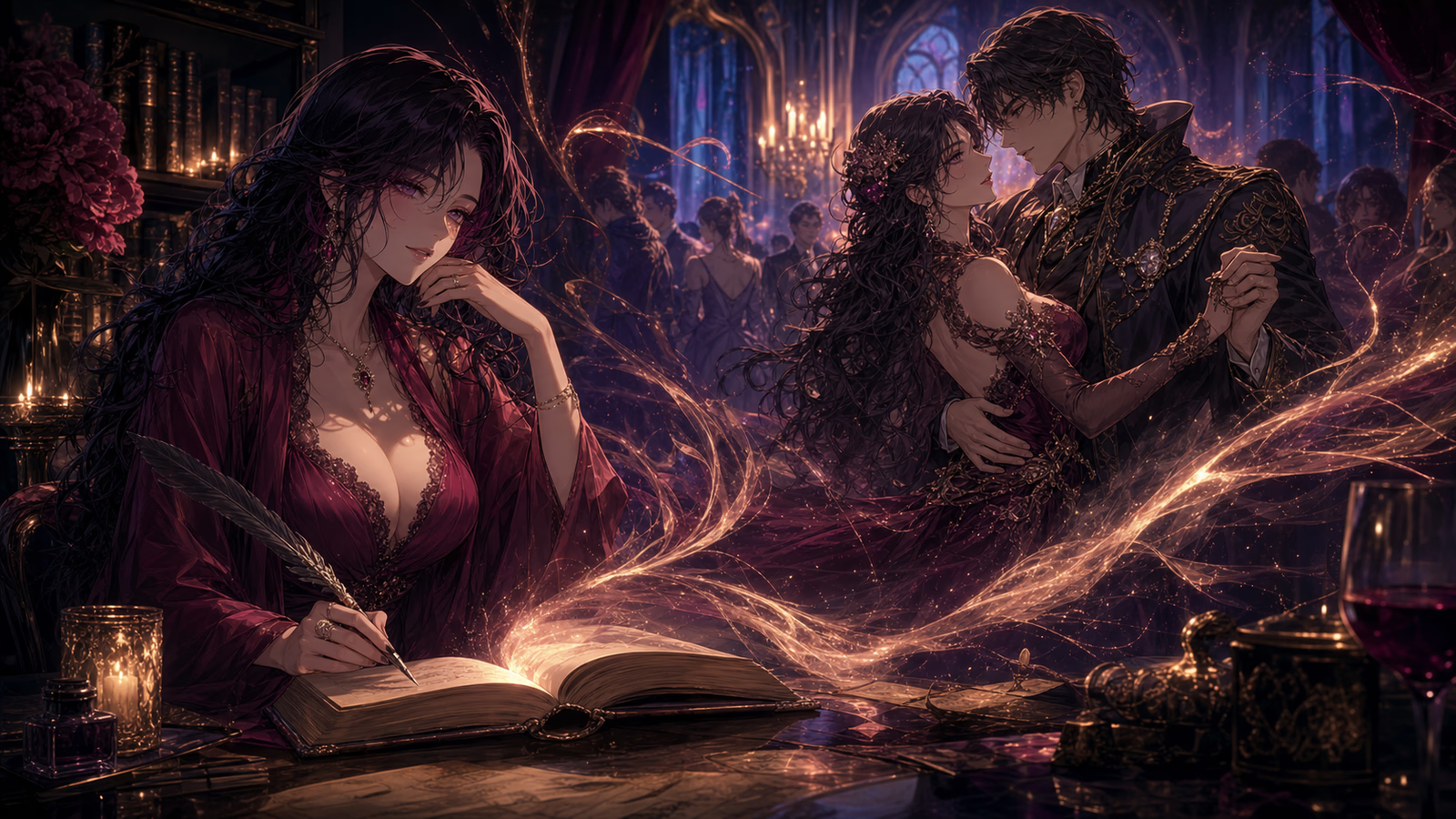
What it felt like was a story.
The Gap Between Conversation and Narrative
Chat Mode is designed for the moment. You're present, you're reacting, you're building something in real time with a character who responds to everything you throw at them. It's alive and immediate and sometimes electric.
But chat format doesn't preserve that electricity. When you come back to read an old conversation, the magic is harder to find. The pacing feels off. The emotions that felt overwhelming in the moment are now spread thin across dozens of short messages. Context that was obvious during the conversation needs to be reconstructed.
Novel Mode, on the other hand, is designed for permanence. Rich prose, atmospheric description, literary craft. But it starts from scratch—you set a premise, you give directions, the story builds from nothing.
We kept looking at these two modes and thinking: there's a bridge missing.
People are already creating incredible narratives in Chat Mode. They just can't read them that way.
One Button, Complete Transformation
So we built the bridge.
In any chat, open the settings sidebar. Under Data Management, you'll find "Convert to Novel." Tap it, confirm, and walk away.
The AI reads your entire conversation—every message, every turn, every emotional beat. It understands who said what, what was happening beneath the surface, where the tension lived. Then it rewrites everything as narrative prose.
Not a reformatting. A reimagining.
Your quick action message—"I grab her wrist before she can leave"—becomes a paragraph. The desperation in the grip, the resistance in her eyes, the way time seems to pause in the doorway. The AI doesn't just describe what happened. It describes what it felt like.
The character's response—maybe a few lines of dialogue and reaction—expands into a full scene. Body language, atmosphere, the weight of unspoken words. Everything that was implied in the chat becomes explicit in the prose.
When it's done, you get a notification. Tap it, and you're reading your conversation as a novel. Same plot. Same characters. Same emotional arc. Completely different experience.
What Actually Changes
Here's a conversation fragment:
You: I wait until everyone leaves the room. Then I lock the door.
Aria: She looks up from the documents, surprised. "That's... dramatic. What's going on?"
Here's what the AI might produce:
The last colleague filed out, their footsteps fading down the corridor. He waited until the sound disappeared entirely before crossing the room. The lock clicked—a small sound that somehow filled the entire office.
Aria looked up from the spread of documents, pen still hovering mid-annotation. The surprise on her face shifted quickly to something more guarded, more aware. She set the pen down carefully, as if the gesture itself needed to be precise.
"That's... dramatic." A pause. Her eyes moved to the locked door, then back to him. "What's going on?"
Same moment. But now you can feel the room. You can hear the silence after the lock clicks. You can see Aria's expression shift. The story isn't just told—it's experienced.
Your Settings, Your Style
The conversion respects every preference you've set in Chat Mode.
If you've chosen first-person narration, the novel reads from your protagonist's perspective—their internal thoughts, their observations, their experience of events. Third-person narration pulls the camera back, giving a wider view of the scene.
Your NSFW intensity setting carries over. Literary mode uses metaphor and suggestion. Explicit mode uses direct language. The tone stays consistent with how you've been experiencing the character.
The character's personality, appearance, voice—everything transfers. An AI character who speaks with dry wit in chat will narrate with dry wit in prose. A character who's emotionally intense won't suddenly become restrained.
Then Keep Writing
This is the part that matters most.
The novel you get isn't a dead end. It's a beginning.
Once your conversation becomes a novel, you're in Novel Mode. You can continue the story from exactly where the chat left off. Give new directions. Take the plot in new directions. The AI knows everything that happened—it wrote the adaptation—and continues seamlessly.
That conversation that felt too good to lose? It's now the opening chapter of something longer.
Chat to explore. Convert to preserve. Continue to create.
Three modes. One continuous creative experience.
Try It Now
Open a chat you're proud of. One where something real happened.
Settings. Data Management. Convert to Novel.
Give it a moment. You'll get a notification when it's ready.
Then read your conversation the way it deserved to be read all along.
Chat-to-Novel conversion is available now in all chats with messages. Find it in the chat settings sidebar under Data Management.