Discord Integration

AI Characters in Your Discord Server

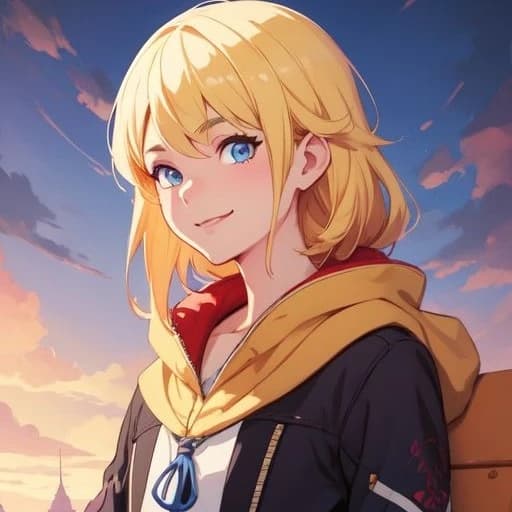
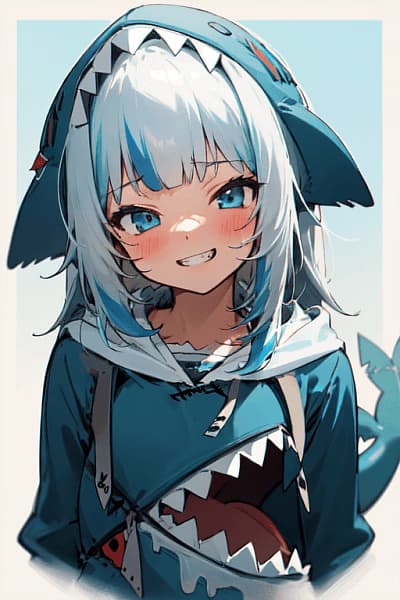
Add AI characters to any channel. They respond with their own name and avatar — your friends can chat with them without leaving Discord.

Why Bring Characters to Discord?

Everything you love about Reverie characters, now in your community's favorite platform

Chat in Any Channel

Characters respond directly in your Discord channels with their own name and avatar, like any other server member.

No Sign-up Required

Your friends can chat with characters immediately. No Reverie account needed — just type and they respond.

Full Context Memory

Characters remember the conversation across the entire thread. They stay in character and maintain context naturally.

Synced Credits & History

Link your accounts to share credits and conversation history between Discord and Reverie seamlessly.

Multi-language Support

Characters can respond in multiple languages. Configure the language per channel to suit your community.

Private Management

All bot commands are ephemeral — only you see the responses. Keep your channel clean while managing everything.

Get Started in 2 Minutes

Three simple steps to bring AI characters to your server

1

Invite the Bot

Head to the Integrations page and click "Add Bot to Server." Pick your Discord server and authorize — that's it.

2

Add a Character

In any text channel, type /add-character and search by name. The character appears with their avatar, ready to chat. Up to 5 per channel.

3

Start Talking

Mention the bot and say something to the character. They respond in-channel for everyone to see. Link your account with /link-account to sync credits.

Slash Commands

Everything you need to manage characters in your server

# general
/add-characterAdd a character to the current channel
/remove-characterRemove a character from the channel
/list-charactersSee all active characters in this channel
/character-infoView a character's full profile
/link-accountConnect your Discord to your Reverie account
/settingsChange AI model, language, or channel mode
/reset-chatClear conversation history
/my-accountCheck credits and subscription status
/helpShow all available commands

Frequently Asked Questions

No. Anyone in the Discord channel can talk to the characters. A Reverie account is only needed if they want to sync credits and conversation history across platforms.

Up to 5 characters per channel. Each one appears as a separate member with their own avatar and personality.

Yes, conversations on Discord use credits just like on Reverie. Link your account with /link-account to use your existing credit balance.

Yes. Use the /settings command to change the response language for each channel.

Not yet, but we're actively building Telegram support. The same concept — characters in your group chats — is coming soon.

Ready to Add Characters to Your Server?

Set up in 2 minutes. Pick a character and introduce them to your community.