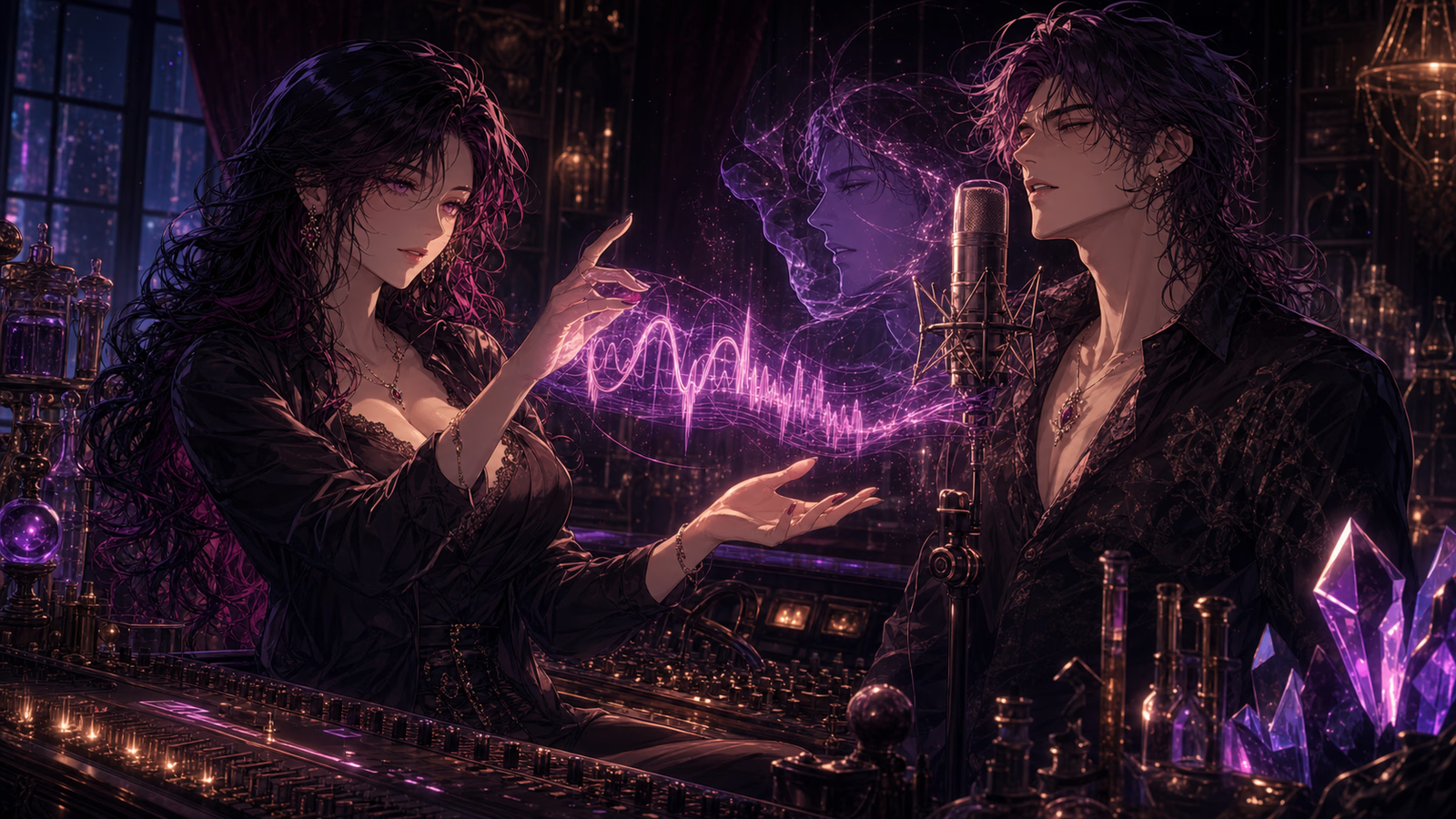
Every other part of a character, you could already get right. The writing, the backstory, the way they pick a fight or dodge a question, the photo. People pour hours into all of it. And then the character speaks out loud, and a voice comes out that belongs to someone else.
That was the one piece you couldn't really control. You picked from a list of presets and took the closest fit. For a lot of characters, the closest fit is fine. For the ones you cared about most, it almost never was. A voice a few years too young. An accent from the wrong country. A warmth the character doesn't have. Small misses, but they land the second the audio plays, and they pull you straight out of the scene you spent so long building.
We wanted to give you the actual voice, not the nearest one. That turned into two tools. Both are live now in Voice Studio, and both are free while they're new.
When the voice already exists
Sometimes the voice you want is real. It's in a clip somewhere, or it belongs to a particular actor, or it's your own. For that, there's cloning.
You give Reverie ten to thirty seconds of someone talking, and it builds a voice from it. Record straight into the browser, or upload something you already have. A minute or so later it's sitting in your library, ready to put on a character.
The recording is everything here. One person, talking normally, somewhere quiet. No music under it, no second voice, none of that echoey-bathroom sound. A clean ten seconds will always beat a noisy two minutes. When a clone comes back wrong, that's almost always why.
We ask one thing before you do it: that the voice is yours to use. We'd rather say that plainly than tuck it away.
When the voice only exists in your head
Most of the best characters were never recorded by anyone, because you made them up. Cloning can't help there. So the second tool doesn't need a recording at all. You describe the voice, and Reverie builds one to match.
The part that takes a little practice is describing the sound instead of the character. "A 400-year-old vampire lord" is a great character and a useless instruction. The model can't hear a backstory. "Low, slow, a little cold, clips the ends of words" is something it can actually work with. Picture the first few seconds of hearing the person talk: high or low, fast or slow, rough or smooth, the accent. Write that down. Don't like the result? Change a few words and run it again. It's quick, so it's worth being fussy.
What you can do with it
Bring a character's real voice over from wherever they came from. Give an original character a voice that exists nowhere else, that no one else's character will ever share. Keep a small cast of voices you've made, and put them on different characters as you go. Everything you make sits in My voices, where you can play it back, rename it, and delete the ones that missed.
None of this replaces the older advice on using a voice well, which still holds: try it on a dull line before a dramatic one, watch the pacing, don't over-tune. A voice you built yourself can still be wrong for a scene. But now, when it's right, it's right because you made it that way, not because it was the least bad option on a list.
Try it
Open a character's voice settings and tap Open Voice Studio. Clone a voice, or describe one and listen to what comes back. Both are free for now.