Install the app
Add Reverie to your home screen, dock or taskbar from the browser, with no app store, and turn on notifications.
Reverie is a web app you install from your browser. There is no App Store or Google Play listing and no APK — reverie.im is the only official place to get it. The installed app is the same Reverie, with the same account, plan and credits.
What installing gets you
- Full screen, no browser bars. Reverie opens like any other app, and your chats get the whole screen.
- Notifications from your characters. Get a ping when a character messages you first or a reply is ready, even with the app closed.
- Always the latest version. There are no updates to download. Every time you open Reverie, you have the newest features.
- Light on storage. No big download to make room for. The app keeps only a small cache so it opens fast.
- One account everywhere. Chats, characters and credits sync between your phone, tablet and computer.
- Share from other apps. On Android, send an image or link from any app straight to one of your characters.
- Shortcuts. Pressing and holding the icon, where your system offers it, jumps to Chats, Characters or Stories.
Install it
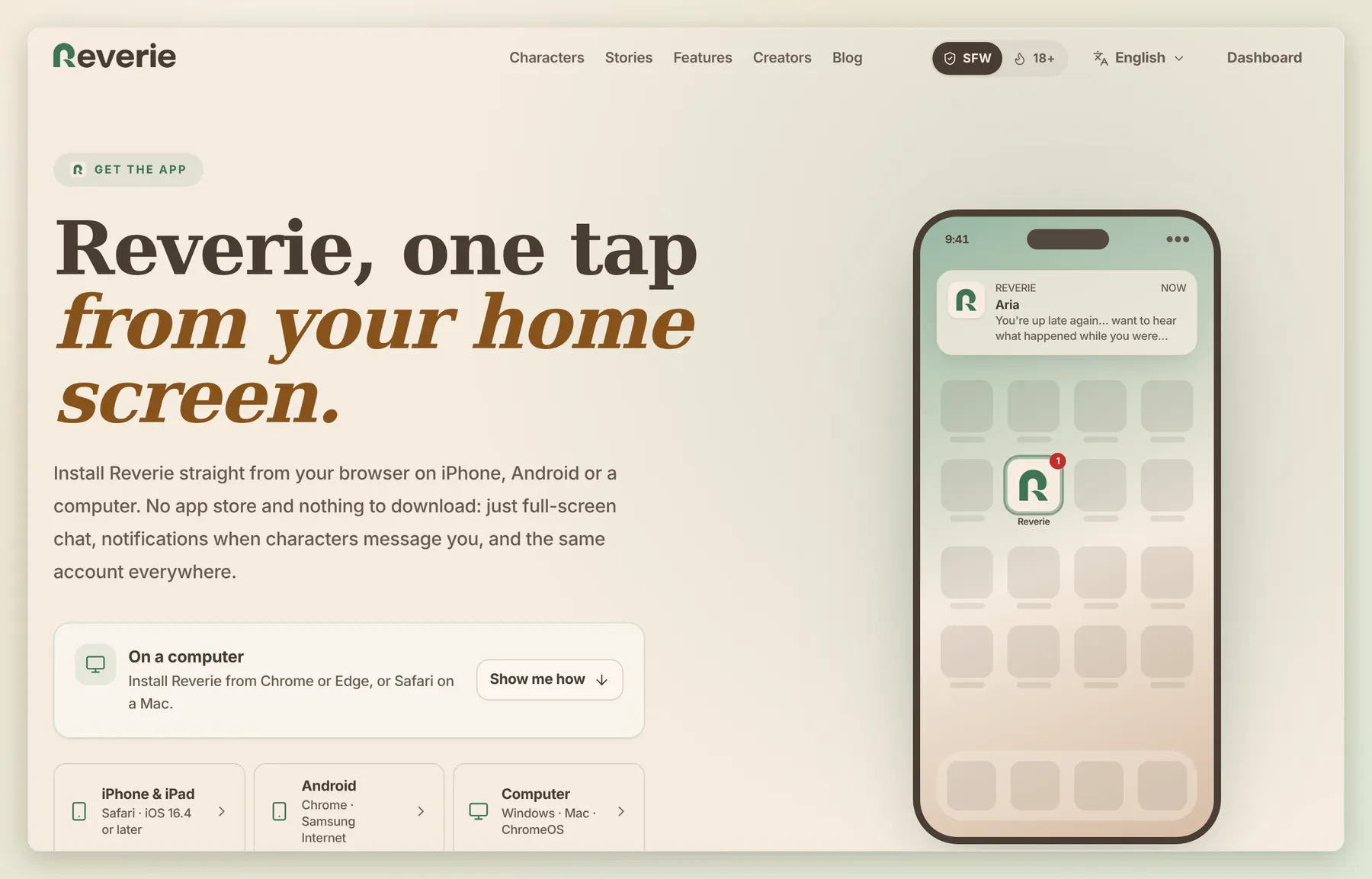
The Get the app page at reverie.im/download shows the steps for the device you are on, and where the browser can install Reverie directly, its Install Reverie button does it in one step. Signed in, the user menu has Install app, and a Get the Reverie app banner can appear in the app.
Open Reverie in Safari
Go to reverie.im in Safari. On iOS 16.4 or later, Chrome and Edge can add it too.
Tap Share
It's in Safari's toolbar. On iOS 26, tap More next to the address bar first; on iOS 27, tap Page menu on its left.
Choose Add to Home Screen
Scroll down the list. Not there? Tap Edit Actions at the bottom, or More on iPad, and add it.
Tap Add
On iOS 26 and later, keep Open as Web App switched on. Reverie now opens full screen from its own icon.
iPhone and iPad only send notifications to web apps on the Home Screen, so adding Reverie is also how you turn them on.
I can't find Add to Home Screen or Install. What now? You're probably in another app's built-in browser (Instagram, TikTok, Telegram, WeChat and so on) or a private window, and those can't install apps. Open reverie.im in Safari on iPhone and iPad, or in Chrome on Android and computers, then try again.
Turn on notifications
Open the installed app and allow notifications when Reverie asks, or turn on Settings → Preferences → Push Notifications. On a browser that can't receive them, that row offers Install app instead. Which notices reach you is covered in Notifications.
Uninstall
Like any other app. On iPhone, press and hold the icon and choose Remove App. On Android, press and hold it and choose Uninstall. On a computer, open the app's menu and choose Uninstall. Your account and chats stay safe.
Related
- Account setup — signing in and what a new account starts with
- Notifications — push, email and the in-app inbox
- Telegram bot — Reverie inside Telegram as a Mini App